These are workflow case studies, not claims of experimentally validated degradation outcomes by the web app
alone. Each one shows a practical path through the PROTAC Builder ecosystem so users can see where to start,
which upstream tool to use, what information to collect, and how to move into assembly and downstream modeling.
The goal is to make tool fit clearer. Some users begin with a target-bound warhead, some begin with recruiter
selection, some begin with a viral protein-ligand structure, and some move quickly into API or batch workflows.
In every case, assembled candidates should still be treated as design hypotheses that require validation.
Workflow examplesComponent-first designBuilder handoffValidation still required
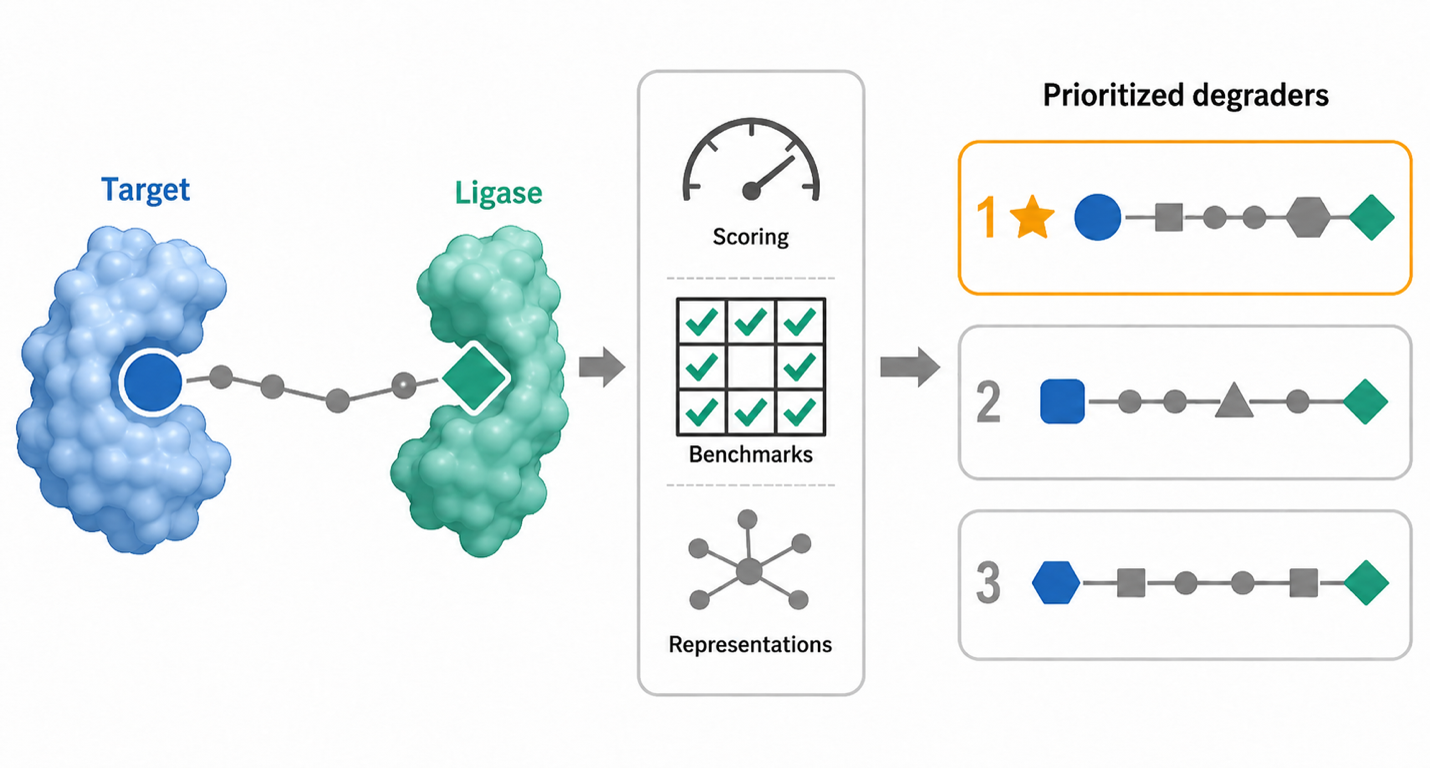
Workflow in context. PROTAC Builder sits in the middle of a broader workflow that starts with
component discovery and continues into downstream structural review and prioritization. Figure from the Schürer
Lab in silico PROTAC modeling perspective manuscript, used here as project-owned educational content.
These case studies are conceptual workflow walkthroughs. They show how a user might start from a target-bound
warhead, an E3 recruiter, a viral protein-ligand structure, or a batch/API use case, then move into PROTAC
Builder for candidate assembly and downstream modeling. They are not claims that the assembled candidates are
experimentally validated degraders.
Case study overview
Warhead-first workflow
Start from target-binding ligand evidence, inspect protein-bound warhead context in Warhead Hunter, identify candidate solvent-exposed attachment atoms, then return to PROTAC Builder for linker and recruiter selection.
Start from E3 recruiter selection in E3 Ligandalyzer, compare recruiter scaffolds and bound poses, choose a plausible recruiter-side attachment vector, then use PROTAC Builder to pair the recruiter with a target warhead and linker panel.
Use V-LiSEMOD to inspect viral protein-ligand structures and solvent-exposed moieties, then bring candidate target-binding ideas into PROTAC Builder for component assembly and downstream evaluation.
Use API Builder and API documentation to move from one interactive setup to reproducible, scripted candidate generation and downstream workflow handoff.
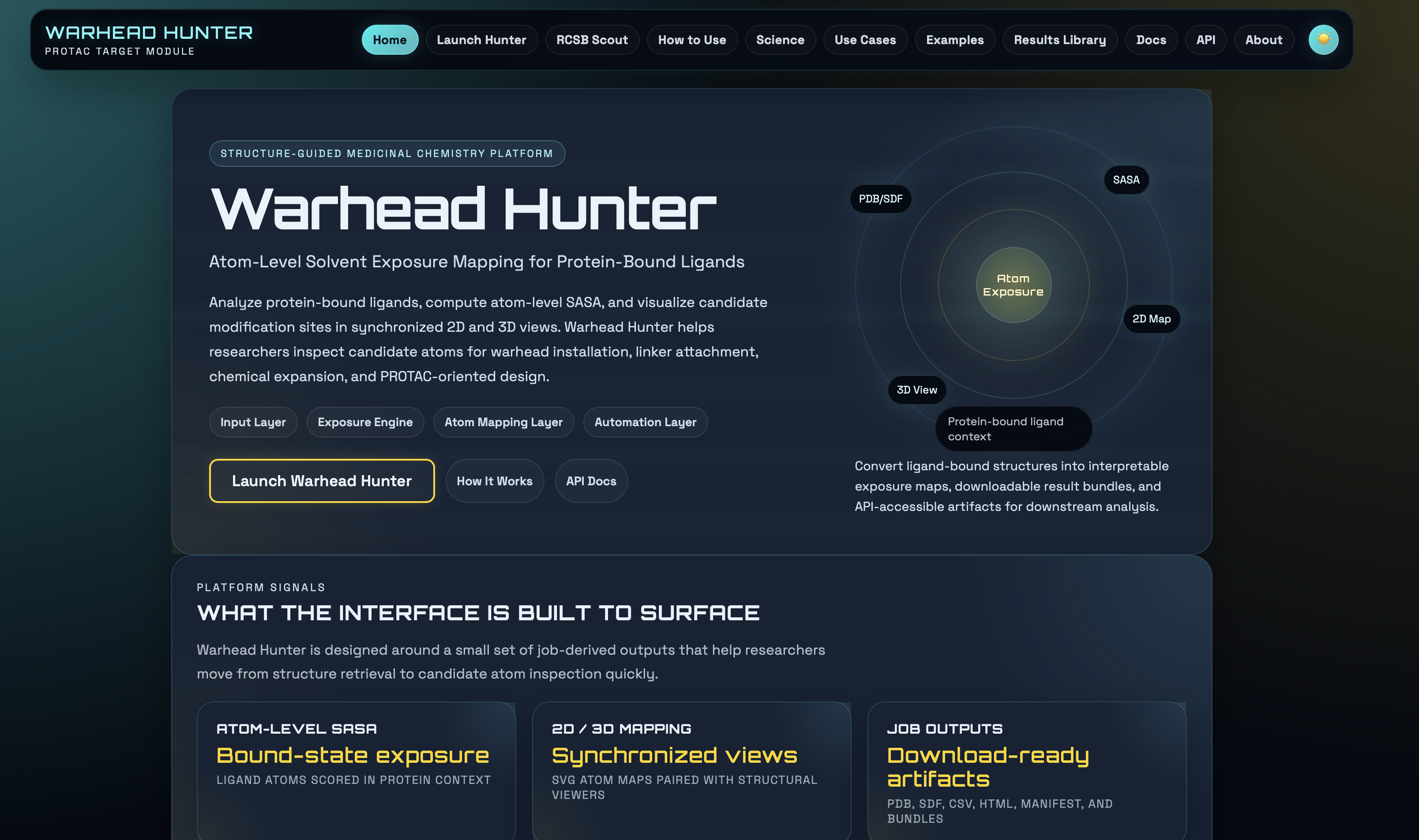
Warhead-first starting point. Warhead Hunter helps users inspect target-bound ligands,
solvent exposure, and candidate modification sites before the warhead is handed into PROTAC Builder.
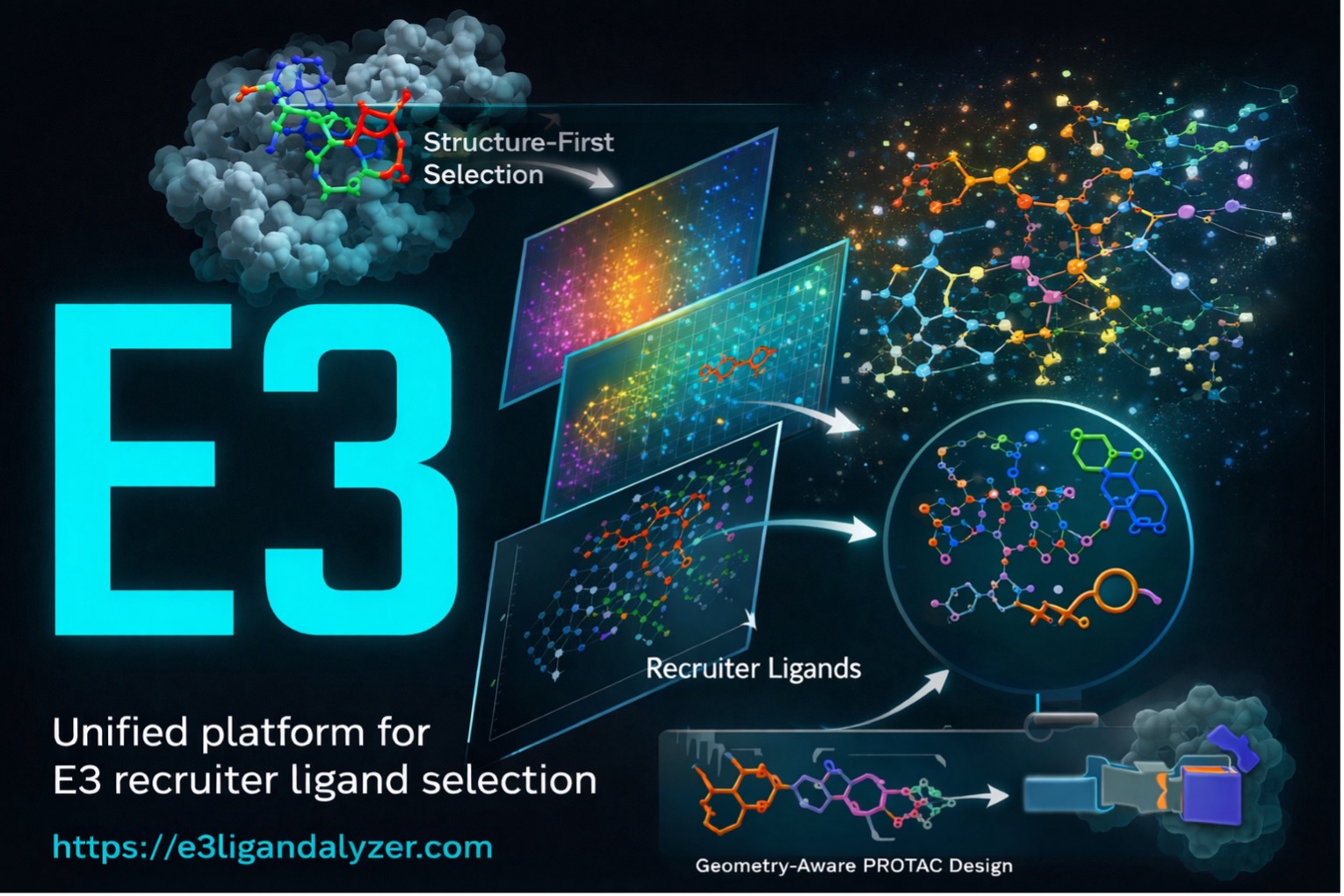
Recruiter-first starting point. E3 Ligandalyzer supports structure-first recruiter
selection, scaffold comparison, and attachment-context review before the recruiter is paired with a warhead.
Viral-target workflows often begin upstream of the builder because the central uncertainty is still the target-bound ligand context rather than the final PROTAC assembly pattern.
That means the most important early decision is usually not which linker to enumerate, but whether the viral ligand evidence supports a plausible editable warhead at all.
Practical interpretation: the builder becomes useful after the viral-target ligand context is sufficiently clear to define a candidate warhead and one or more plausible attachment atoms.
Batch and API workflow
Batch-oriented handoff mindset. Once a workflow is understood interactively, the same logic can
be carried into structured payloads, API calls, batch enumeration, and downstream evaluation.
When the upstream logic is clear enough, some workflows can be turned into reproducible builder launch examples.
These are implemented workflow starters, not biological claims:
Builder Launch
HIV protease ligand setup
Open the builder with a HIV protease target ligand preselected.
The best next click depends on what is still uncertain in your workflow: target-binding context, recruiter choice,
linker strategy, or reproducible generation. Once those pieces are clear enough, PROTAC Builder becomes the place
to turn them into explicit candidate setups.